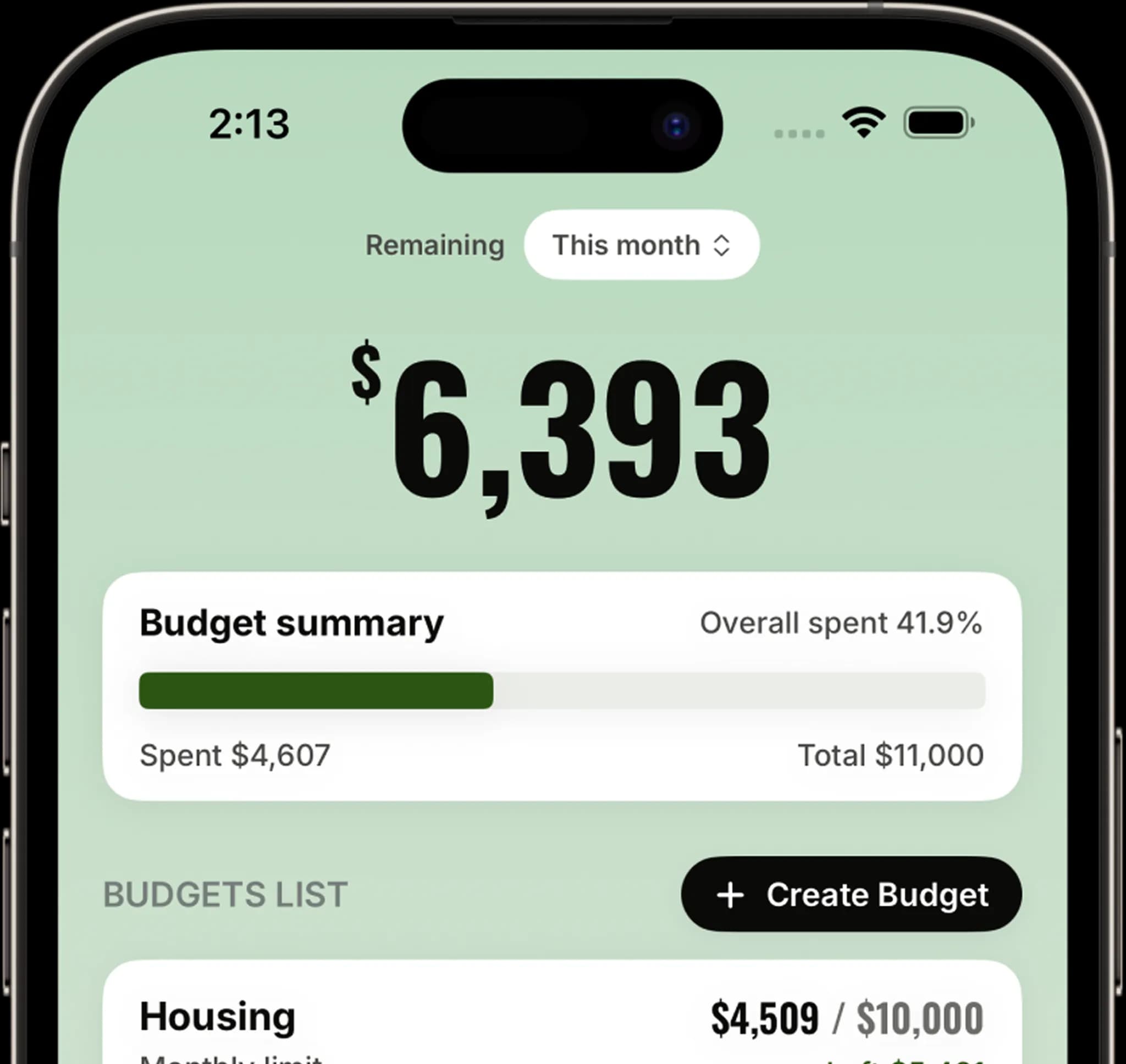
Control your money with ease
Track spending, set budgets, and understand your finances in a simple, calm way. Kept helps you stay organized and in control without stress or complexity.
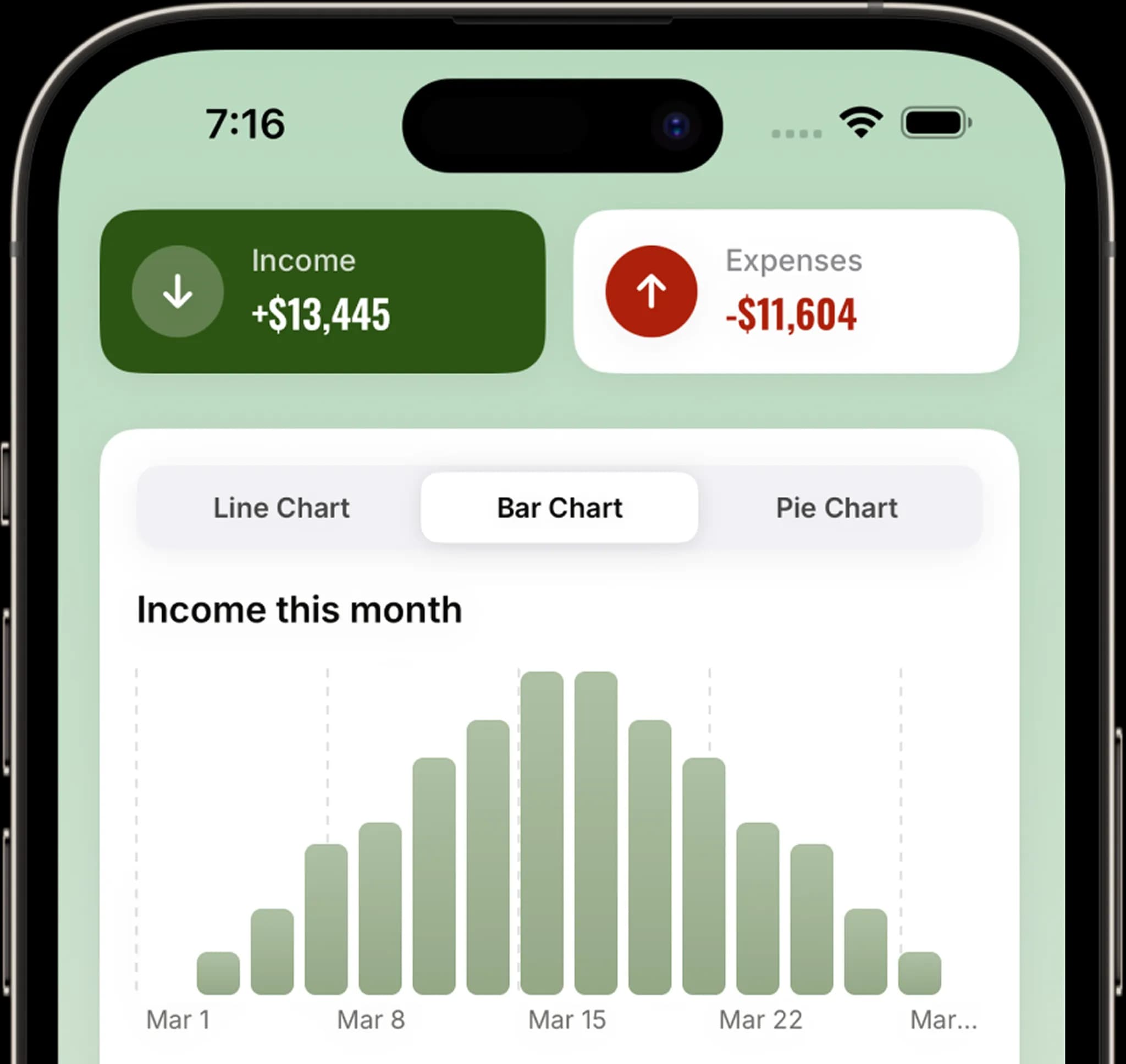
Secure by Default
Your financial data stays private and secure by design. No accounts, no tracking, and no unnecessary permissions — just complete control.
Works Fully Offline
Track income and expenses anywhere, even without internet. Your data is always available when you need it.
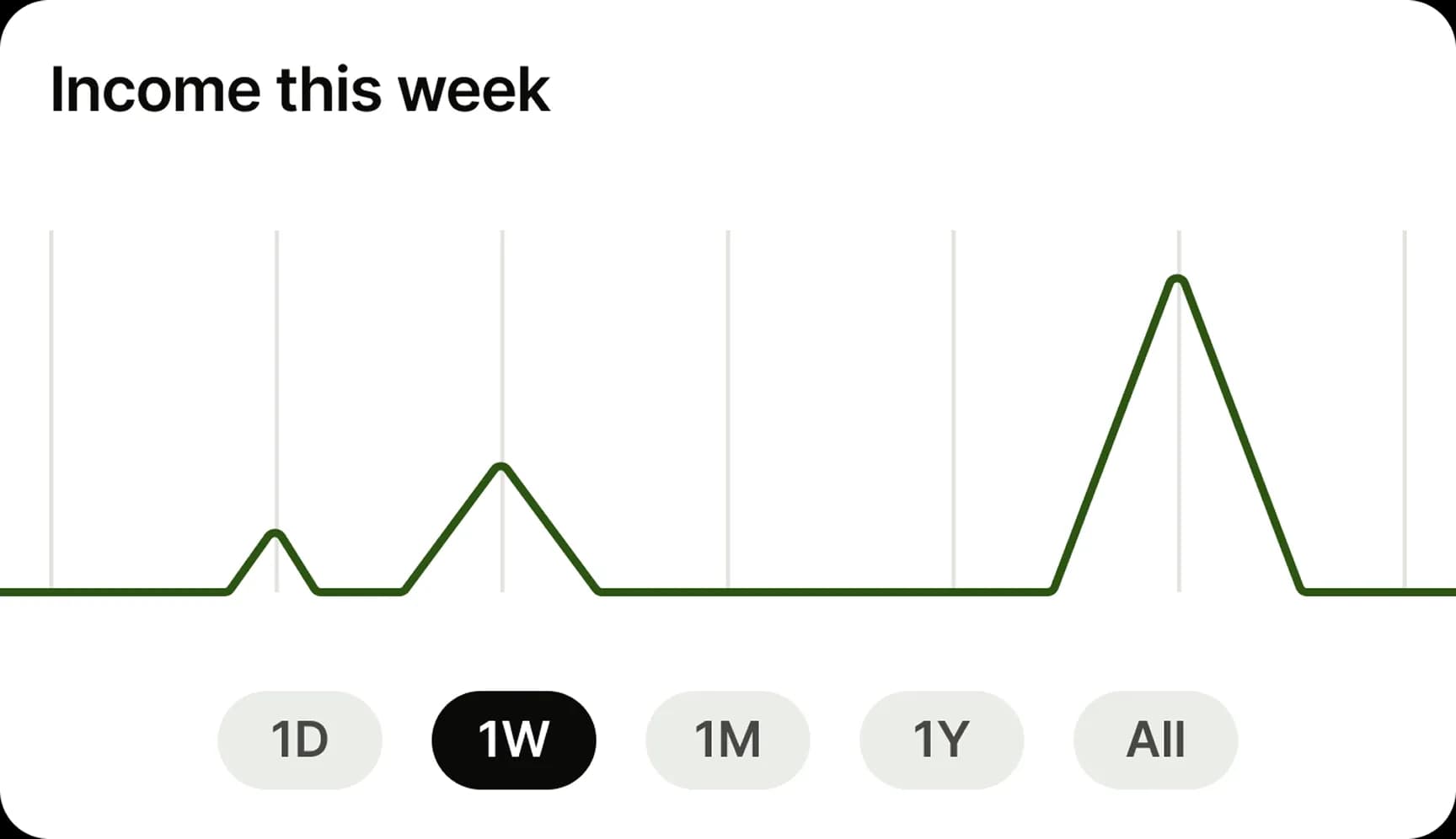
Change Settings Anytime
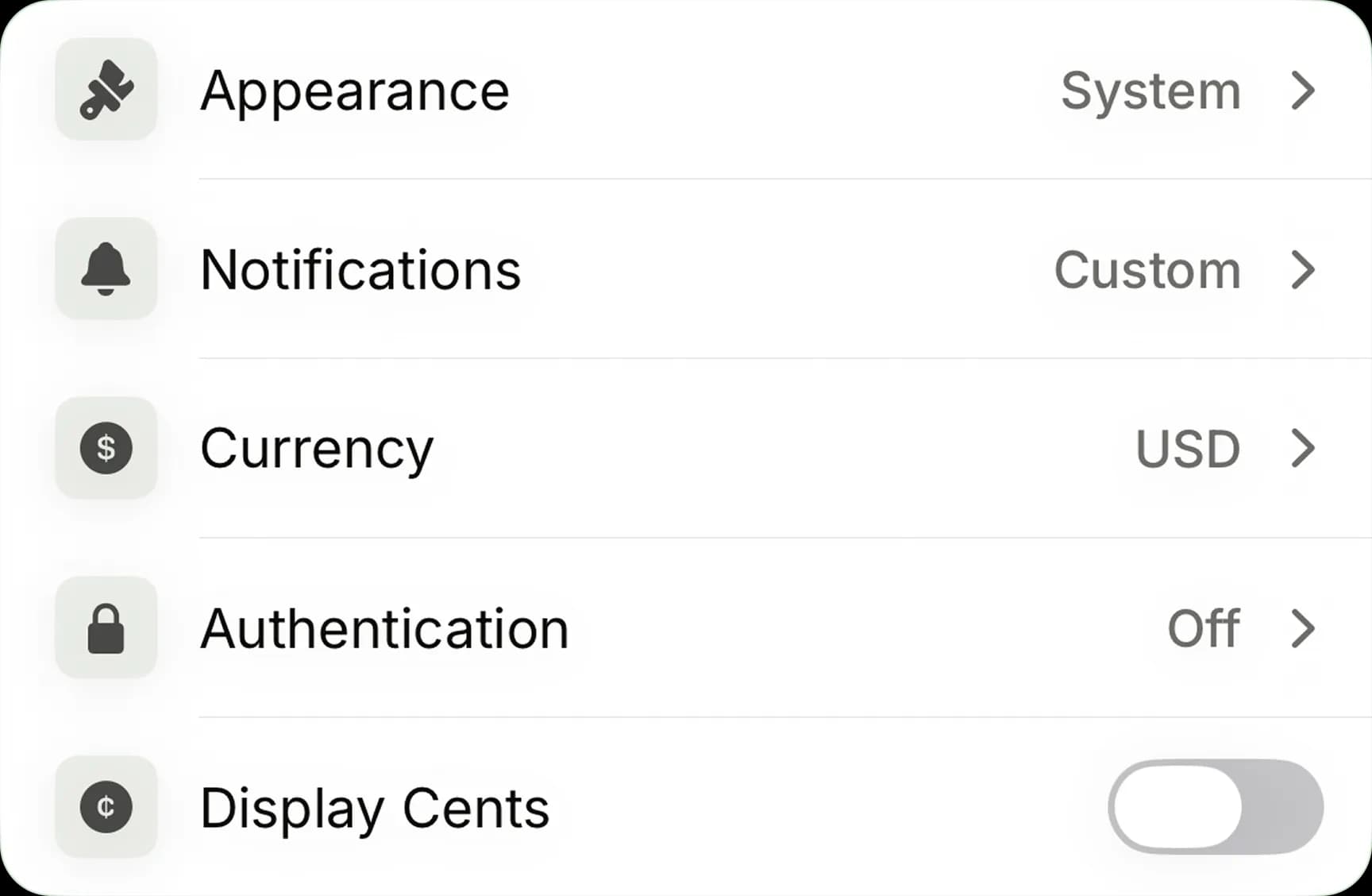
Update currencies, preferences, and features anytime in Settings. Kept adapts to your needs without limits.
Start Tracking Instantly
No sign-up, email, or password required to get started.
Data Stays on Your Device
All data stays on your device, encrypted and never sent to our servers.
No Tracking or Ads
No tracking or ads. Your financial data stays private.
Explore Kept features
Discover powerful tools to track your spending, manage budgets, and understand your finances with clarity, control, and simplicity.
Track Every Transaction
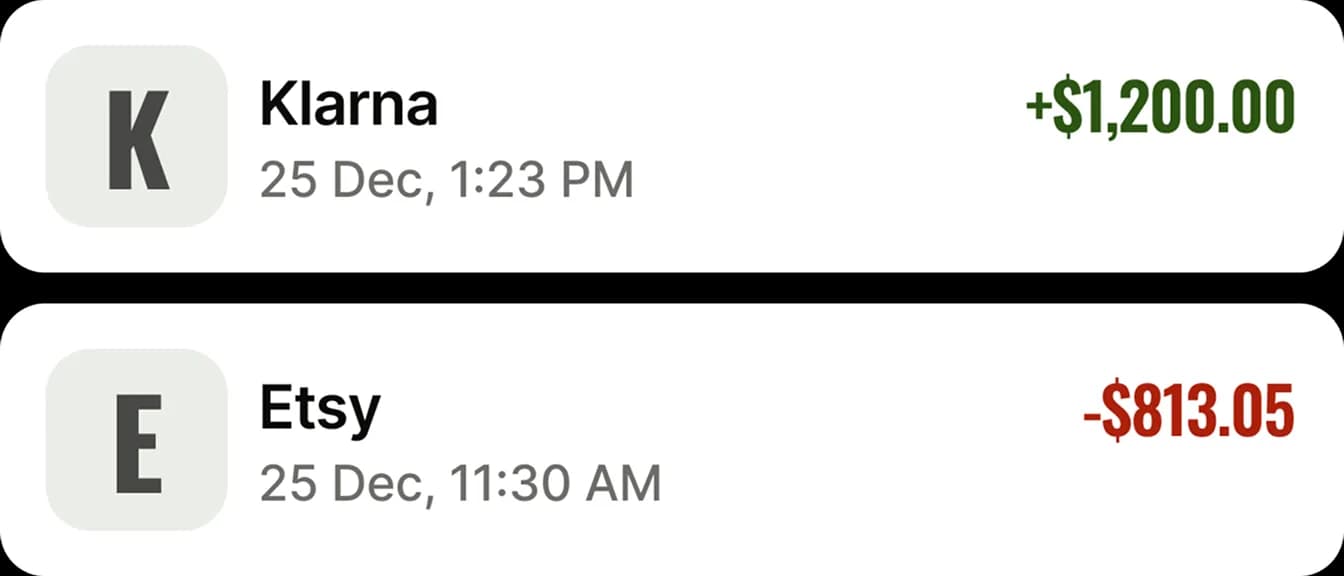
Record income and expenses in seconds. Assign categories, add notes, and search your full history.
Charts & Analytics
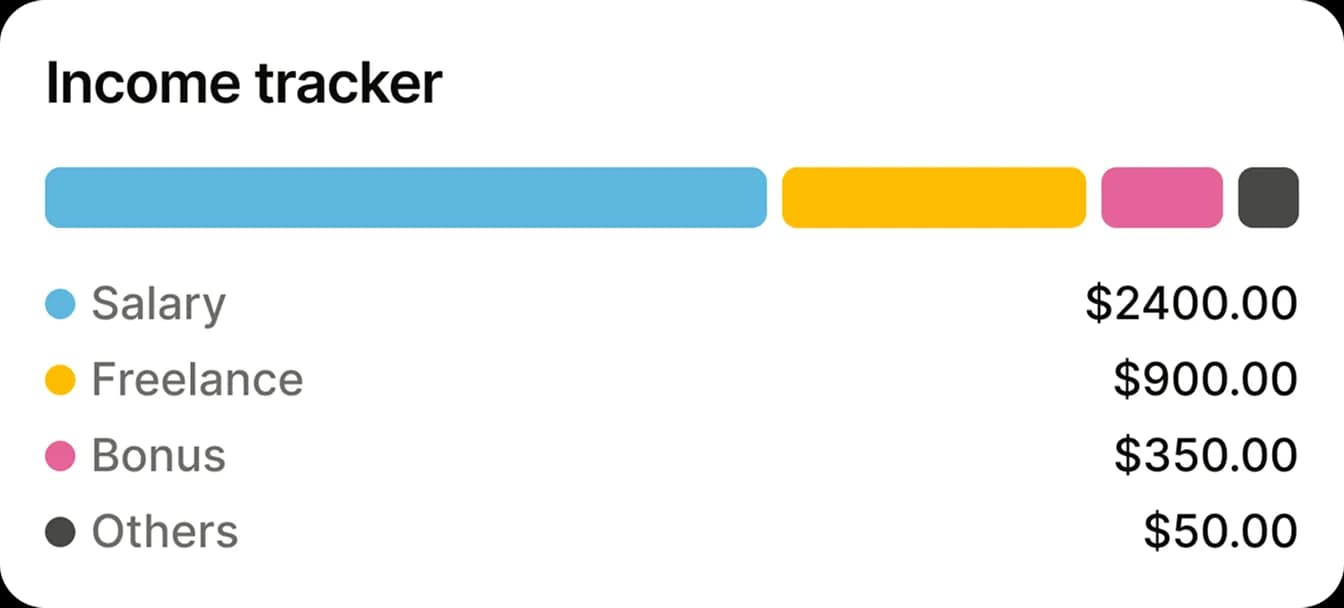
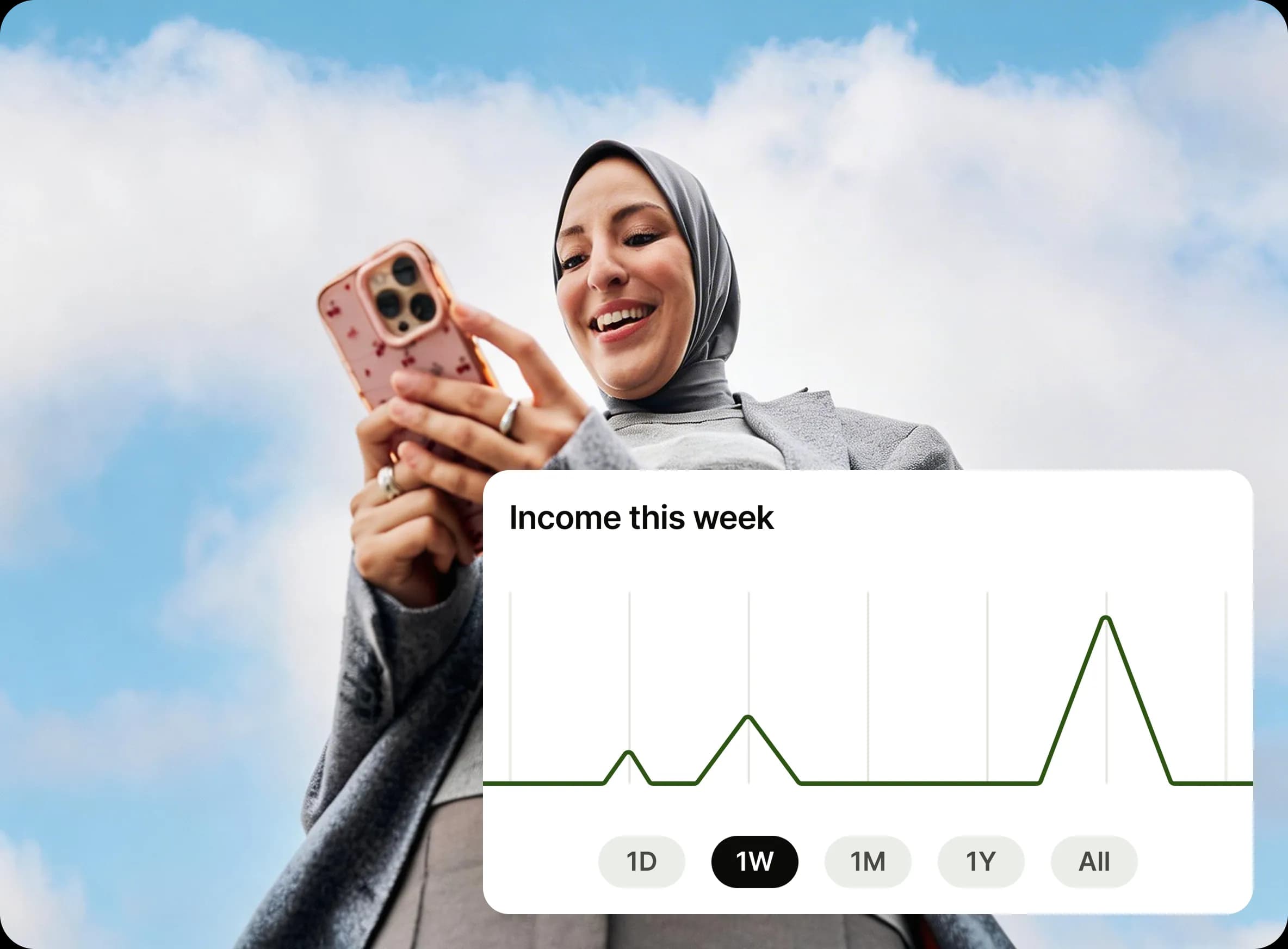
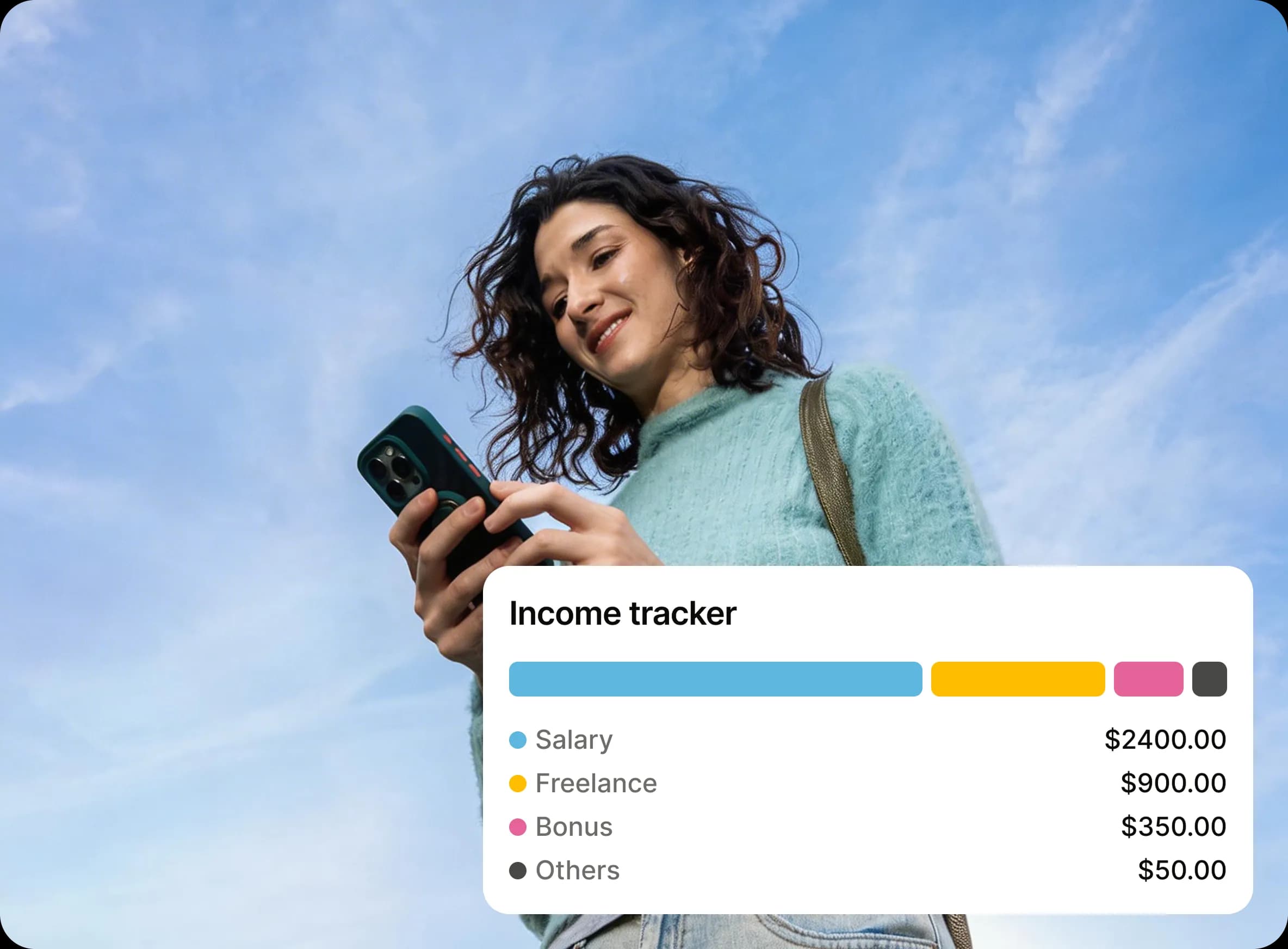
Understand your spending with line, bar, and pie charts broken down by category and time period.
Budgets That Work
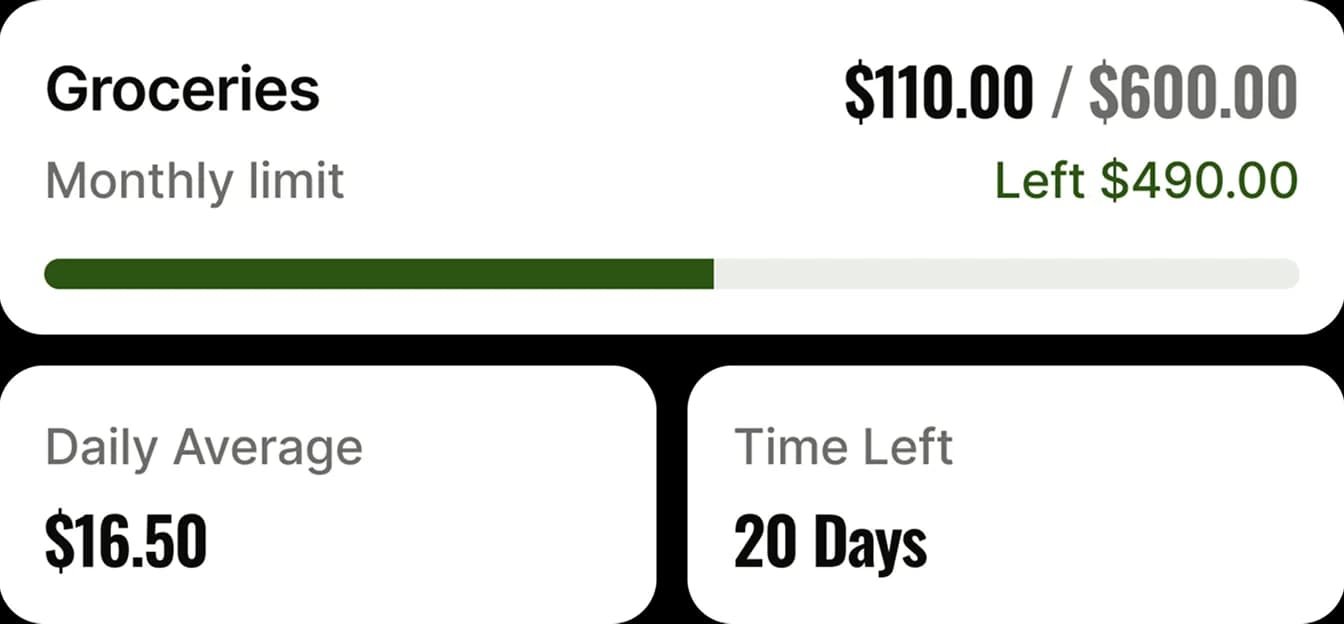
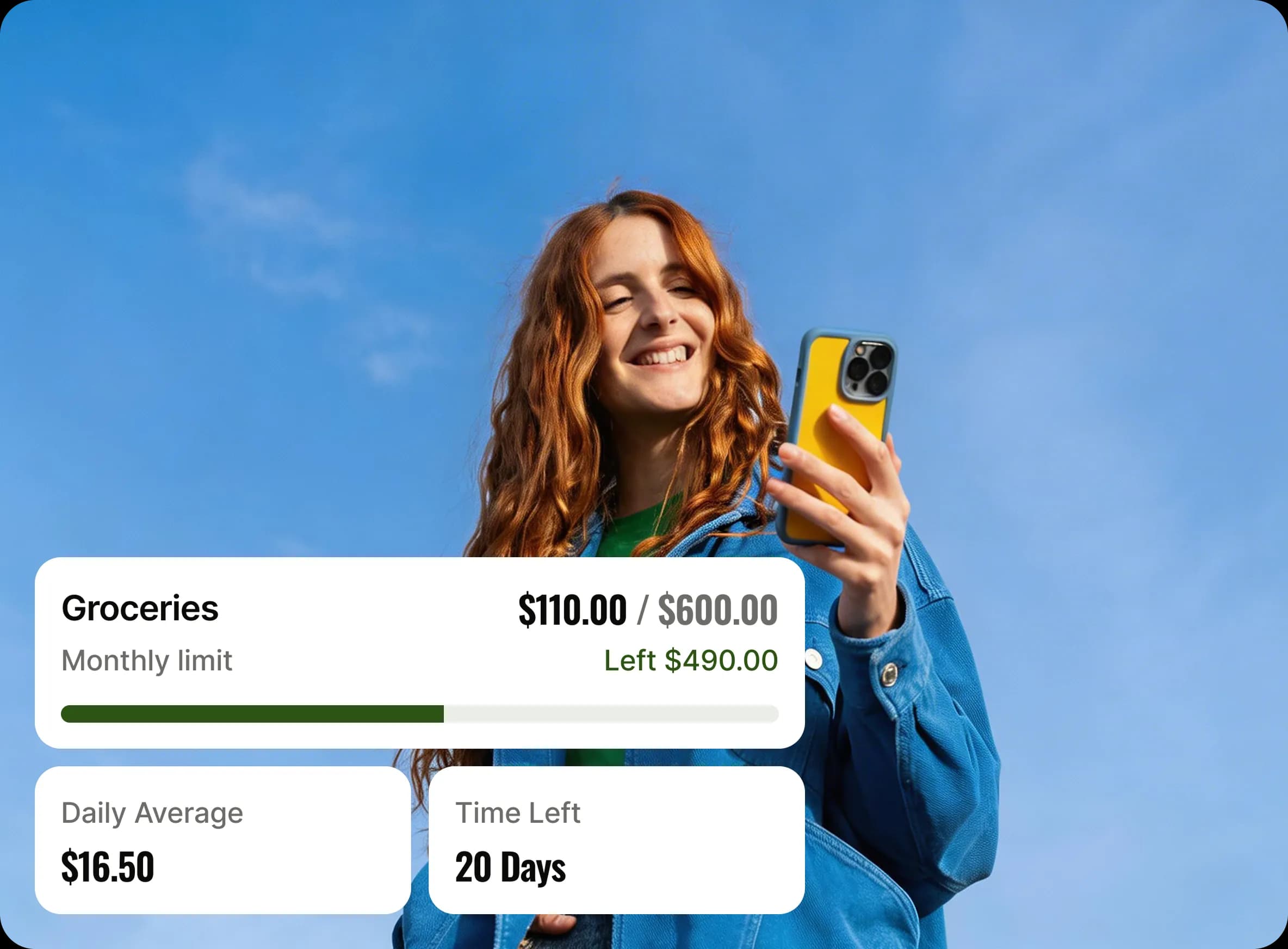
Set weekly, monthly, or yearly spending limits. Watch progress in real time with clear visual indicators.
App Lock
Lock the app with biometrics — Face ID, Touch ID, or fingerprint — or a 4-digit PIN with lockout protection.
Import & Export
Move data freely. Export to CSV or JSON, or import from CSV or JSON files.
Private Cloud Backup
Optionally back up an encrypted copy to your own iCloud (iOS) or Google Drive (Android). Your data, your cloud, your control.


How it works
Add transactions, organise them by category, and track your spending with clear insights and budgets all in a simple, easy flow.

Open the App
No sign-up needed. Install the app and start tracking your money instantly with a simple, fast, and distraction-free experience.

Log Your Spending
Add transactions in seconds. Choose a category, enter an amount, and save instantly with a smooth, simple, and easy flow.

Know Your Money
View clear insights, charts, and budgets to understand your spending habits and stay in control of your finances every day.
Frequently asked questions
Find answers to common questions about Kept including how your data is stored, how features work, and how to get the most out of the app.
Do I need to create an account to use Kept?


No account is required. You can start using Kept immediately without signing up, logging in, or sharing any personal information.
Can I use the app without internet access?
Yes, Kept works fully offline. All your data is stored locally on your device so you can track and review finances anytime, anywhere — no internet connection needed.
Can I change currency and settings later?
Absolutely. You can update your currency, appearance, notifications, and all other settings at any time from the Settings screen. Kept adapts to your preferences without limits.
Will my data be used for ads or tracking?
Never for ads. Kept has no ads and no advertising trackers, and your financial data never leaves your device unless you export or back it up yourself. On Android, the app includes optional crash reporting (Google Firebase Crashlytics) to help us fix bugs — it never includes your financial data, and you can turn it off anytime in Settings → Advanced.
Is my financial data stored securely?
Yes. Your data is stored on-device — using SwiftData on iOS and an encrypted database on Android. You can additionally enable App Lock with biometrics (Face ID, Touch ID, or fingerprint) or a PIN to prevent unauthorized access.
Start Tracking Your Money Privately.
Take control of your finances with a simple and private experience. No sign-up required. Start tracking, budgeting, and understanding your money today.